What does a photograph look like as shapes?
A photograph has no flat regions to find — every pixel is slightly its own colour. Vectron's Watershed mode splits it by where the colour changes fastest instead, which holds a picture together where ordinary colour clustering falls apart.
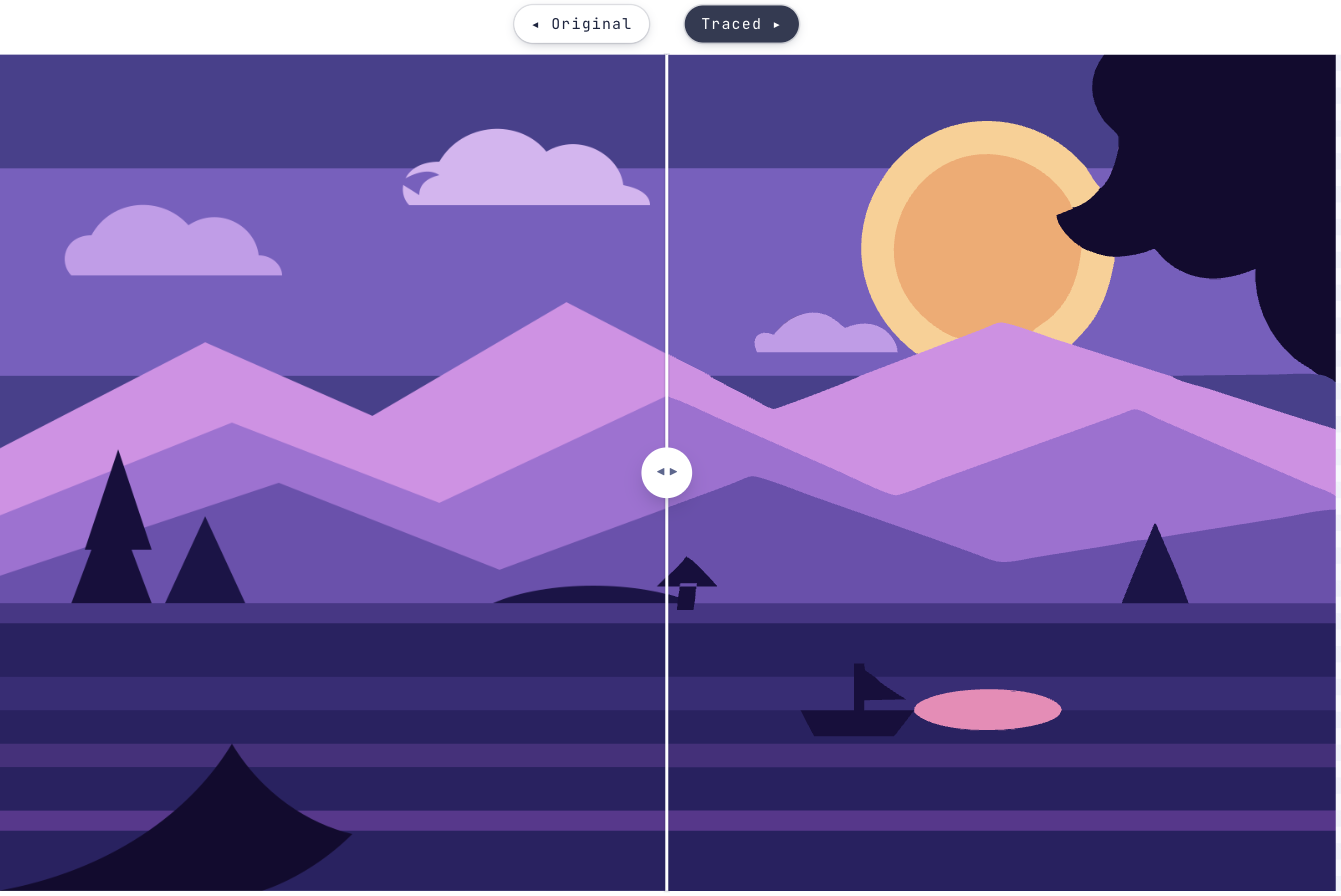
Why a photograph behaves differently
Flat artwork gives a tracer something to hold onto: a region of one colour with an edge around it. A photograph gives it none of that. Grouping a photo by colour tends to produce bands and speckle, because the colours were never grouped to begin with.
Watershed works the other way round. It splits the picture into regions by where the colour changes fastest — closer to how an edge actually looks — and on a photograph or a soft-edged illustration it usually beats clustering by colour. On flat art it is usually worse, which is why it is a mode rather than the default.
Tracing a photo without it falling apart
Expect to spend the time on two controls rather than on all nine.
Start tracing- 1Add the photographPNG, JPEG, GIF, WEBP or BMP, up to 8000 × 8000.
- 2Switch to WatershedUnder What should come out. This is the mode that exists for exactly this case.
- 3Set How much detail to keepLow gives poster-like blocks. High follows the photograph closely and starts picking up grain. The middle is where most photos want to be.
- 4Turn on No hairline gapsAt high detail the regions stack, and pale seams appear where they meet. This covers them, for a few percent of file size.
- 5Compare with FadeBlending the trace over the original is the fastest way to see which features survived and which dissolved.
- 6Download the SVGExpect a bigger file than flat artwork gives you — a photograph is simply more shapes.
A photograph that survives as vectors
Still wondering?
It works, with the understanding that vectorising approximates. You get layered shapes that read as the photograph rather than a pixel-perfect copy — closer to a screen print or a poster than to the original file.
A different way of deciding where one region ends and the next begins. Instead of grouping pixels that are a similar colour, it splits the picture where the colour changes fastest, which is much closer to where an edge actually is in a photograph.
Because it kept a lot of regions, and every region is geometry. Lower How much detail to keep. There is a warning in the app when the result crosses into unwieldy territory.
The regions are stacked and the browser antialiases each edge twice. Turn on No hairline gaps and they go — the app suggests it by itself once detail is high enough for the seams to show.
Yes — that is the low end of the detail slider, or the Poster preset in Full colour. Few colours, big bold shapes, a much smaller file.
Bringing something else to Vectron?
Got that file open in another tab?
Drag it over. Worst case you’ve lost ten seconds and learned what your artwork looks like in vectors.
Open Vectron