Generated something good and got back a PNG?
Image generators hand you pixels. If the artwork now has to be resized, recoloured, cut, printed or opened in a design tool, it needs to be real shapes. Drop it here and get editable SVG paths back in about two seconds — free, in this tab.
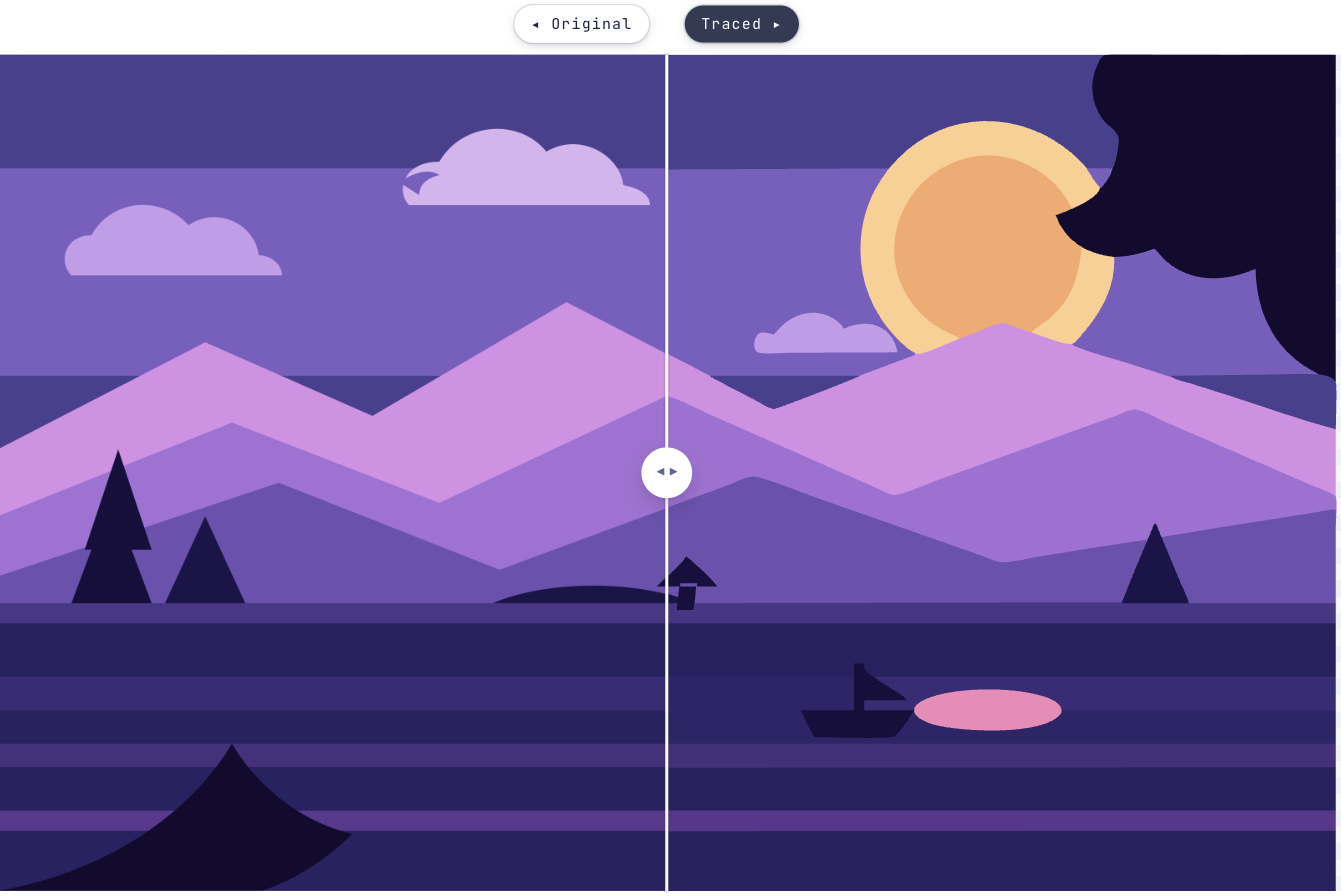
When an AI image needs to become a vector
Generators are good at producing artwork, but what comes out is a grid of pixels. That is fine until you need to scale it past its own resolution, pull one shape out of it, change a colour, or hand it to something that expects paths.
Vectron traces the image into real SVG shapes — selectable, recolourable, and the same at any size. It works from the picture you already have rather than trying to generate a new one, so what you get back is the artwork you approved.
How long does this actually take?
About as long as reading this. The first three steps are usually the whole job.
Start tracing- 1Add the generated imagePNG, JPG or WebP, straight out of the generator. Tracing starts immediately.
- 2Start from Illustration or Logo / FlatIllustration for shading and texture, Logo / Flat for hard-edged marks and stickers.
- 3Compare it against the originalSplit, A / B, Side by side and Fade all show the same thing differently. Zoom in on an edge you care about.
- 4Tune colours, detail and edgesHow many colours, Ignore tiny specks and the corner controls are the three that move the result most.
- 5Refine an area if one part fights youDrag a box over the lettering or a busy corner and give just that region its own settings.
- 6Download the SVGA plain SVG of filled paths. It opens in Illustrator, Figma, Inkscape or anything else that reads the format.
Getting a cleaner SVG out of generated artwork
Still wondering?
Yes. Whatever produced it, if you can export it as PNG, JPEG, GIF, WEBP or BMP, Vectron traces its visible shapes and colours into SVG paths. It reads the image, not its history.
No. The tracer is WebAssembly running in a worker in this tab, so the image never leaves your machine. Once the page has loaded you can go offline and it still works, and there is nothing stored to delete afterwards.
It approximates it. Vectorising replaces pixels with filled paths, so flat artwork, logos and distinct colour regions translate closely, while soft gradients, grain and photographic detail become bands of colour. Compare the two on screen before you commit.
Yes — it is a plain SVG of filled paths, so every shape is selectable and recolourable in Illustrator, Figma, Inkscape or anything else that opens the format. For a cutter or a stencil, trace it as a single colour instead.
More colours, finer detail and more complex edges all mean more geometry. Lowering How many colours, raising Ignore tiny specks, or smoothing the edges trades some fidelity for a much smaller and more workable file.
Bringing something else to Vectron?
Got that file open in another tab?
Drag it over. Worst case you’ve lost ten seconds and learned what your artwork looks like in vectors.
Open Vectron