Ready to cut it, but it is a PNG?
A cutting machine follows an outline, not a picture. Vectron turns the image into clean, closed SVG shapes you can upload to your cutting software — free, in this tab, with nothing sent anywhere.
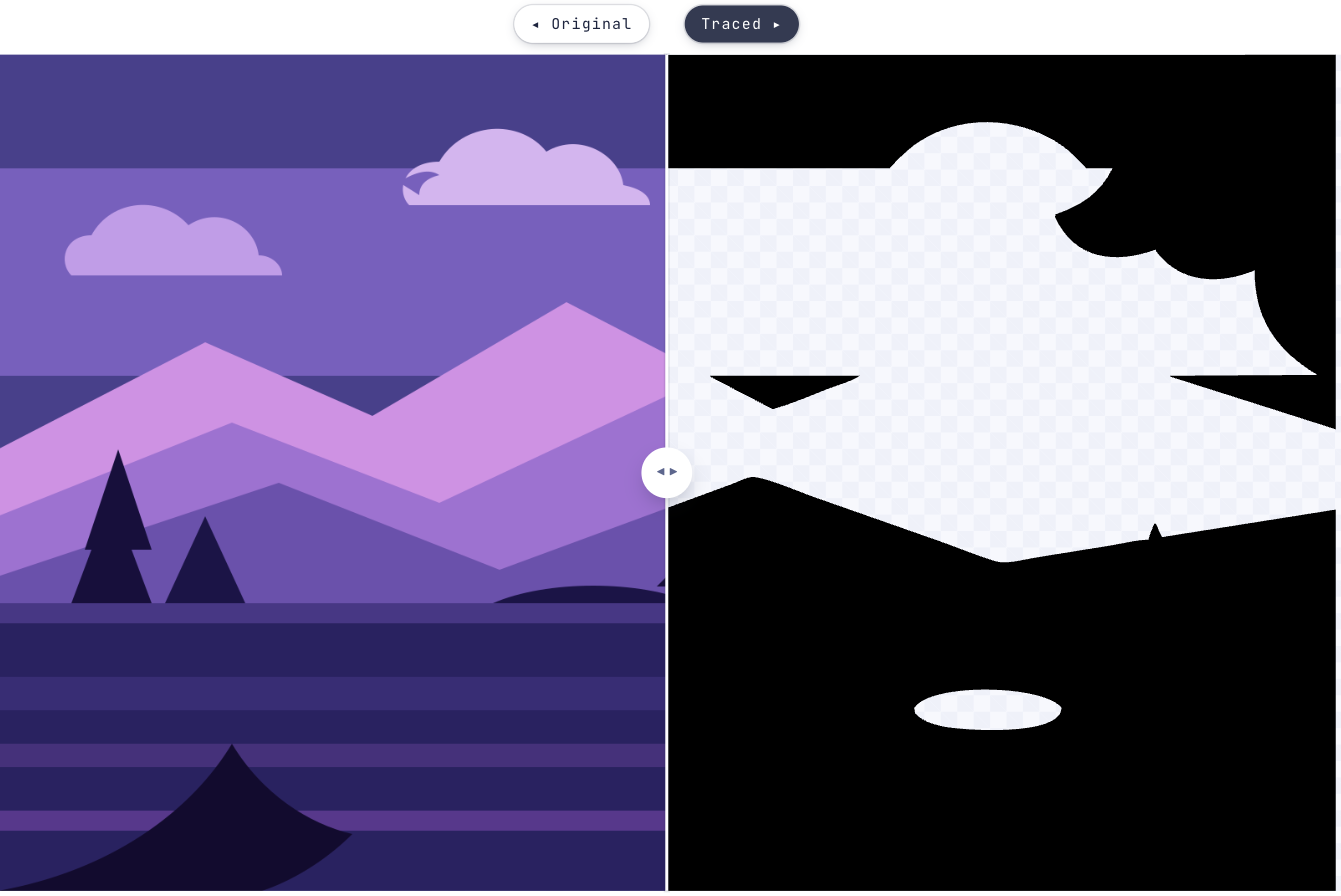
Why a cutter cannot use your PNG
A blade follows a path. A PNG has no paths in it — it is a grid of coloured dots, and no amount of importing turns those into a line for the machine to travel along.
Vectron traces the picture into closed SVG shapes, which is the format cutting software reads. Vectron is not Cricut software and does not pretend to be: it produces the vector file, and you take it into whichever tool drives your machine.
From picture to cut file
Five steps, and the middle three are all about throwing away detail you cannot cut.
Start tracing- 1Add the imagePNG, JPEG, GIF, WEBP or BMP. Simple, high-contrast artwork cuts far better than a busy one.
- 2Switch to B/WUnder What should come out. This traces one solid shape rather than colour layers — a blade has no use for colour.
- 3Raise Ignore tiny specksEvery speck becomes a tiny closed path, and a tiny closed path becomes a cut. This is the single most useful control on this page.
- 4Drop the backgroundSo the shape is a cut-out rather than a rectangle with a picture inside it.
- 5Download and importA plain SVG, ready to upload into your cutting software.
Cutting a shape that is actually cuttable
Still wondering?
Vectron produces a plain SVG of filled paths, which is the format cutting software generally imports. It does not talk to any machine itself, and it does not set cut lines, mats or materials — that all happens in the software that drives the cutter.
B/W for a single-material cut: it traces one solid shape instead of coloured layers. Full colour if you plan to cut several materials and separate the layers yourself afterwards.
Because the trace kept detail the blade cannot. Raise Ignore tiny specks, lower the colour count, and the small fragments merge into the shapes around them.
You can trace one, but a photograph rarely cuts well — there is no clean silhouette for a blade to follow. High-contrast artwork, lettering and simple shapes are what this workflow is for.
No. The tracer runs in your browser, so the file never leaves your machine. Once the page has loaded you can go offline and it still works.
Bringing something else to Vectron?
Got that file open in another tab?
Drag it over. Worst case you’ve lost ten seconds and learned what your artwork looks like in vectors.
Open Vectron