Weeding this is going to hurt.
Vinyl punishes detail. Every speck the trace keeps is a speck you pick out by hand, and a hairline that survives on screen tears on the mat. Vectron gives you the controls to throw that away before it reaches the blade.
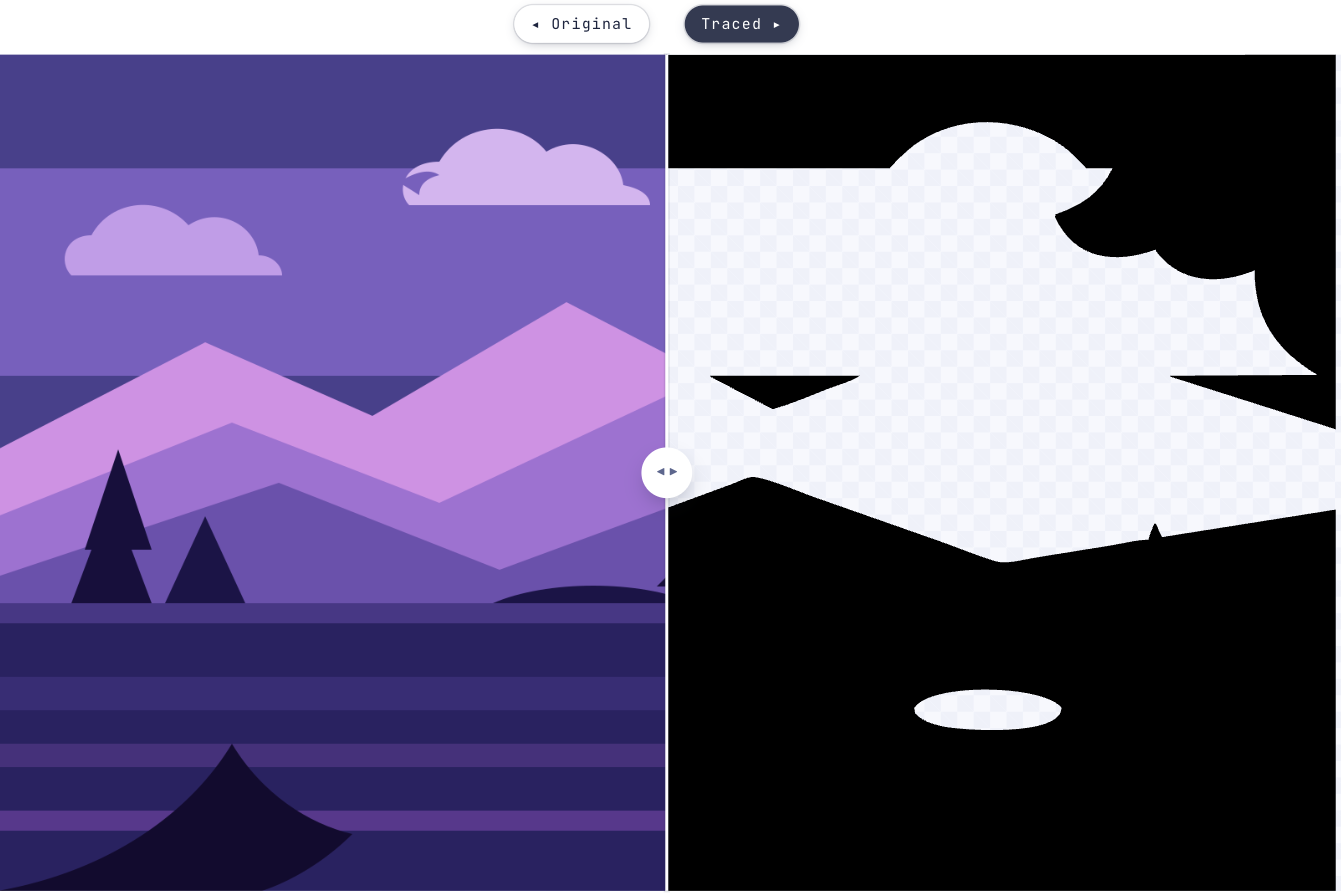
Why vinyl wants less than you think
A cutter will happily follow whatever you give it, including the hundred fragments a faithful trace leaves along a compressed edge. You find out at the weeding stage, picking each one out with a hook.
So the useful work is subtraction: fewer colours, fewer specks, smoother edges, one clean silhouette. Vectron puts all of that on sliders you can watch, against the original, before anything is cut.
- 1Add the artworkPNG, JPEG, GIF, WEBP or BMP. The cleaner and higher-contrast the source, the less there is to undo.
- 2Switch to B/WOne solid shape instead of colour layers. For layered vinyl, trace in Full colour and separate the layers afterwards.
- 3Push Ignore tiny specks upWatch the small fragments disappear. This is the control that decides how long weeding takes.
- 4Smooth out the jaggiesA wobbling edge reads as a wobble in the cut. Raise it until the outline is calm — too far and thin strokes melt away.
- 5Refine an area on anything you want to keepIf smoothing the whole design costs you a detail that matters, draw a box around that part and give it its own settings.
- 6Download the SVGA plain SVG of filled paths for whatever software drives your cutter.
Less weeding, better cuts
Still wondering?
High contrast, clean edges, and no detail smaller than the material can hold. Lettering, silhouettes and simple flat artwork all work well; a photograph or a soft gradient does not.
Raise Ignore tiny specks, and lower the colour count. Fragments almost always come from compression noise or anti-aliasing around an edge rather than from anything in the design.
Trace in Full colour rather than B/W and you get separate shapes for each colour, which you can separate into layers in your cutting software. Each layer is then its own piece of vinyl.
That is what Smooth out the jaggies is for. Raise it until the outline stops wobbling, then check the thinnest parts at 400% — smoothing that fixes an edge can also thin a stroke.
No. There is no account, no credit system and no export cap, because the tracing happens on your own machine rather than on a server someone has to pay for.
Bringing something else to Vectron?
Got that file open in another tab?
Drag it over. Worst case you’ve lost ten seconds and learned what your artwork looks like in vectors.
Open Vectron